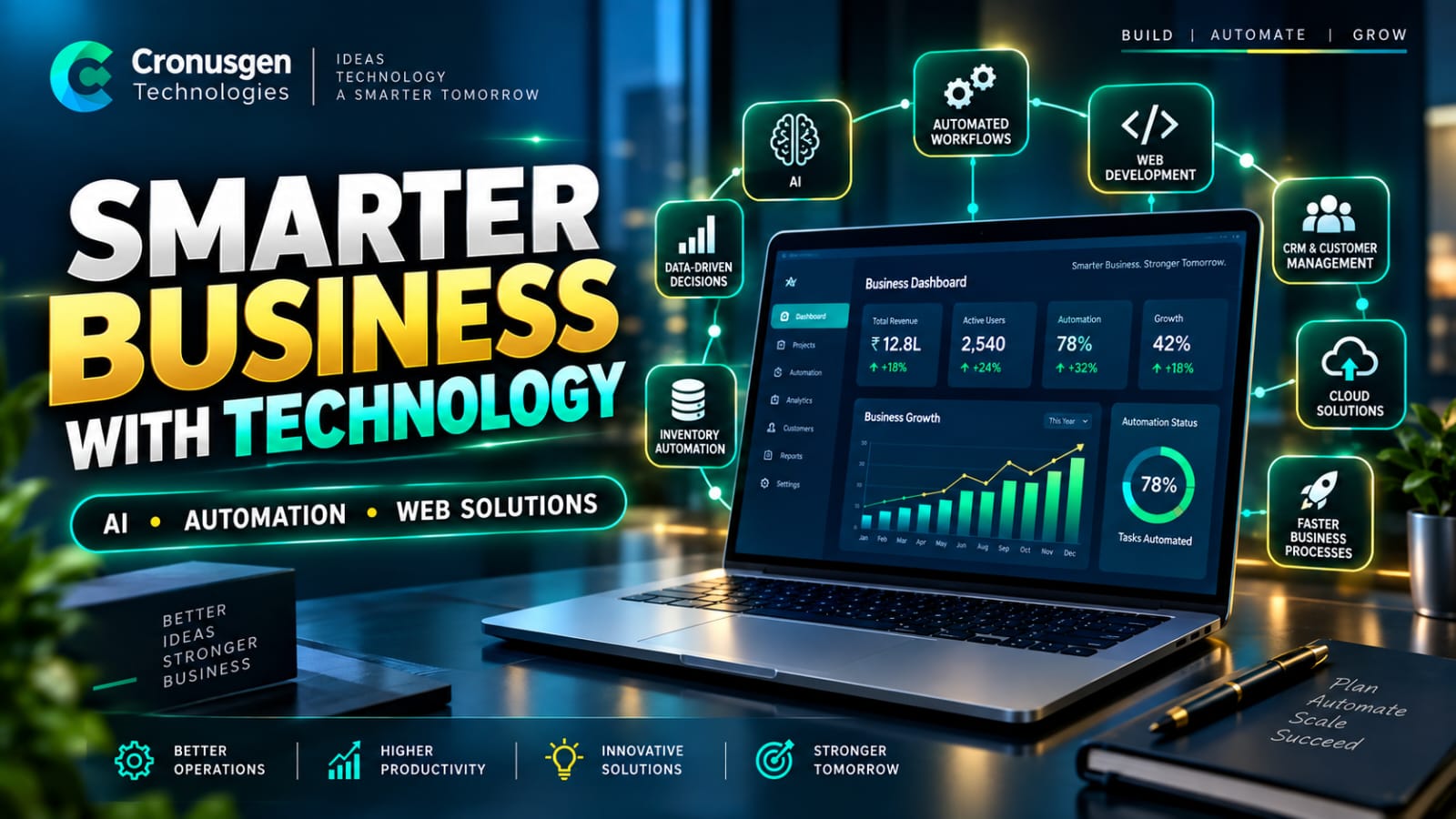
Business Automation: How Technology Can Make Your Business Smarter and More Efficient
In today's fast-moving digital business environment, efficiency is more important than ever. Businesses need to manage customers, employees, sales, inventory, payments, reports, and daily operations while maintaining high-quality service. Managing all these activities manually can consume valuable time and increase the possibility of errors.
Business automation provides a smarter way to manage these processes. By using software, digital workflows, and intelligent technologies, businesses can automate repetitive tasks, improve operational efficiency, and allow employees to focus on more important business activities.
What Is Business Automation?
Business automation is the use of technology to perform repetitive and rule-based business processes with minimal manual intervention.
For example, when a customer submits an inquiry through a website, an automated system can capture the customer's information, store it in a CRM, notify the sales team, and send a confirmation email to the customer.
Similarly, an ecommerce business can automatically update inventory when an order is placed, generate an invoice, send an order confirmation, and notify the customer about the order status.
The goal of automation is not simply to replace human work. Instead, it helps people work more efficiently by reducing unnecessary repetitive tasks.
Why Is Business Automation Important?
As a business grows, its operational processes become more complex. Tasks that were easy to manage manually with a small number of customers can become difficult when the business starts handling hundreds or thousands of customers.
Business automation can help solve these challenges in several ways.
1. Save Time
Employees often spend significant amounts of time on repetitive activities such as data entry, sending emails, preparing reports, updating records, and checking information.
Automation can perform many of these tasks automatically, allowing employees to spend more time on productive activities.
2. Reduce Human Errors
Manual data entry and repetitive processes can lead to mistakes. A properly designed automated workflow can follow predefined rules consistently, reducing the possibility of common operational errors.
3. Improve Productivity
When employees do not have to spend their entire day performing repetitive tasks, they can focus on customer service, sales, problem-solving, innovation, and business development.
4. Improve Customer Experience
Customers expect quick responses and convenient services. Automated emails, SMS notifications, order updates, appointment reminders, and support workflows can help businesses respond faster.
5. Make Business Processes More Scalable
Automation makes it easier for businesses to handle increasing workloads. Instead of adding more manual effort for every additional customer or order, businesses can use automated workflows to manage growing operations more efficiently.
Where Can Businesses Use Automation?
Business automation can be implemented across different departments and operations.
Sales and CRM Automation
A CRM system can automatically organize customer information, track leads, schedule follow-ups, and notify sales teams about important activities.
This allows sales teams to spend less time managing records and more time building customer relationships.
Ecommerce Automation
Ecommerce businesses can automate several activities, including:
- Product and inventory management
- Order processing
- Invoice generation
- Payment notifications
- Shipping updates
- Customer notifications
- Low-stock alerts
- Sales reports
By connecting these processes, businesses can create a smoother and more efficient ecommerce workflow.
Finance and Accounting Automation
Businesses can automate invoice generation, payment reminders, transaction records, expense tracking, and financial reporting.
This can reduce administrative work while providing better visibility into financial operations.
Human Resource Automation
HR departments can automate employee onboarding, attendance management, leave requests, document management, and other administrative processes.
This helps HR teams manage employee information more efficiently.
Customer Support Automation
Automated ticketing systems, notifications, knowledge bases, and predefined workflows can help customer support teams handle inquiries more efficiently.
Automation can also ensure that important customer requests are not missed.
How Does Business Automation Work?
A typical automated business workflow can follow a simple process:
Trigger → Process → Action → Notification → Reporting
For example:
A customer places an order → the system processes the order → inventory is updated → an invoice is generated → the customer receives confirmation → the order appears in the business report.
Once the workflow is properly configured, these actions can happen automatically without requiring employees to perform every individual step.
Custom Business Automation vs Manual Processes
Every business has its own requirements. A standard software solution may work well for common business operations, but some organizations need customized workflows.
Custom business automation can connect different areas of a business into one centralized system.
For example, an ecommerce company may integrate:
Website + CRM + Inventory + Orders + Payments + Customer Notifications + Reports
Instead of managing each system separately, businesses can create connected workflows that allow information to move automatically between different departments and platforms.
How to Start Automating Your Business
Businesses do not need to automate every process at once. A better approach is to start with repetitive tasks that consume significant time.
A simple automation strategy can include:
- Identify repetitive tasks that employees perform regularly.
- Analyze the existing workflow and identify unnecessary steps.
- Select the right technology for the process.
- Design the automated workflow according to business requirements.
- Test the system before deploying it.
- Monitor performance after implementation.
- Improve the workflow based on business requirements and user feedback.
Starting with one or two high-impact processes can help businesses understand the benefits of automation before expanding it to other departments.
The Future of Business Automation
Business automation is evolving rapidly with technologies such as artificial intelligence, cloud computing, data analytics, APIs, and intelligent workflow systems.
Modern automation can do more than simply follow predefined rules. AI-powered solutions can analyze information, identify patterns, assist employees, generate insights, and support business decision-making.
As technology continues to evolve, businesses will have more opportunities to create intelligent and connected digital operations.
Conclusion
Business automation can help organizations save time, reduce repetitive work, minimize errors, improve customer experiences, and scale their operations more effectively.
Whether you operate an ecommerce store, service company, startup, educational organization, healthcare business, or growing enterprise, automation can help transform manual processes into efficient digital workflows.
At Cronusgen Technologies, we develop modern web applications, custom software solutions, and digital systems designed around business requirements. The right technology can help your organization automate everyday operations and focus more on what matters most—growth, innovation, and customer satisfaction.
Ready to automate your business? Contact Cronusgen Technologies to explore a custom digital solution for your business.